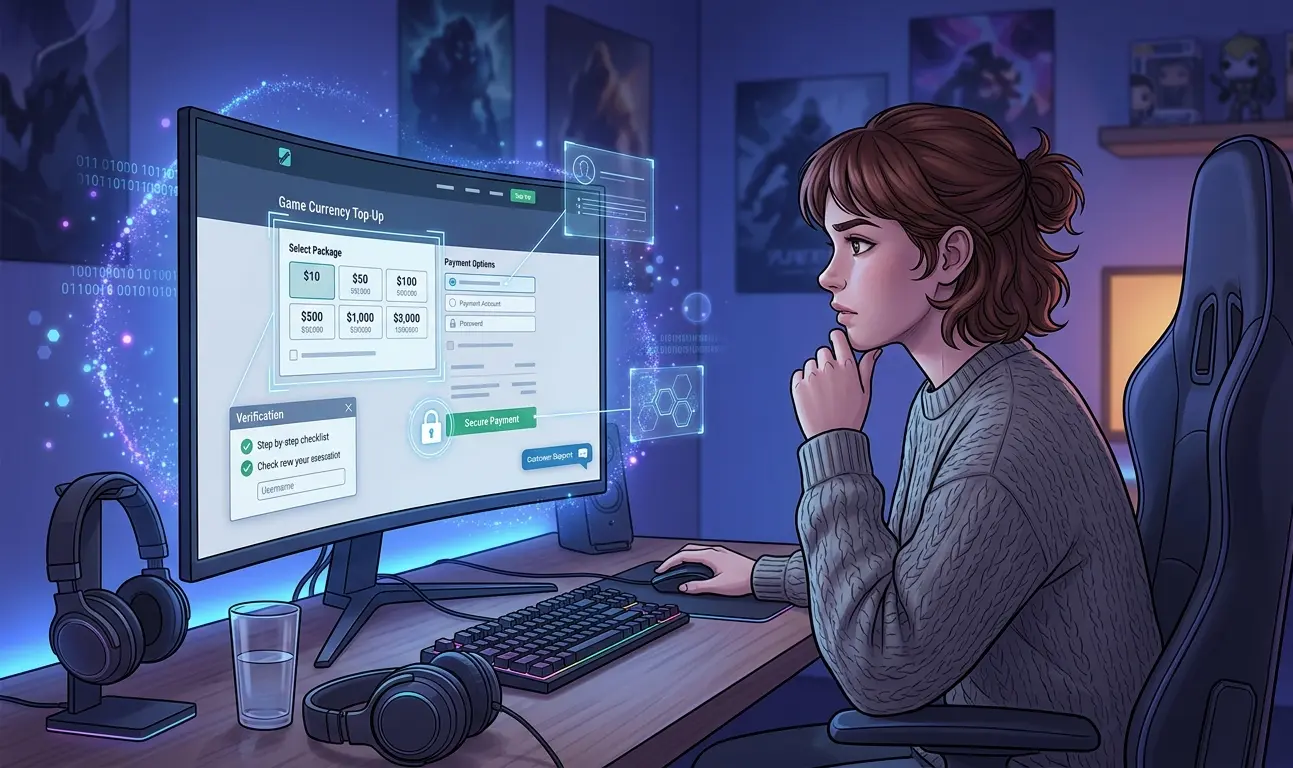
 If you are buying game currency online for the first time, the safest approach is to treat the purchase as a process rather than simply searching for the lowest price.
First confirm exactly what you are buying and how it will be delivered. Then check whether the game allows that purchase method, verify the seller and payment instructions, understand what account information is actually required, and keep a record of the transaction until delivery is complete.
Official in-game stores and publisher-operated stores are usually the most direct purchasing route when they offer what you need. Third-party top-up services can use different delivery methods, so they require additional checks before you pay or provide account information.
For a first purchase, use this order: identify the exact product, confirm the delivery method, check the game’s rules, verify the seller and payment instructions, then provide only the information necessary for that specific order.
1. Identify Exactly What You Are Buying
“Game currency” can describe several different products. Two offers that look similar may use completely different delivery methods and require different account information.
Before comparing prices, identify whether you are purchasing:
- premium currency such as gems, diamonds, coins, gold, or another game-specific currency;
- an in-game bundle or package;
- a subscription, pass, or account benefit;
- a redeemable gift code or voucher;
- a player-ID top-up; or
- an assisted top-up completed on your game account.
You should also know the correct game, account, server, kingdom, state, region, character, package, and currency where relevant. A purchase made for the wrong region or server can create problems even when the seller itself is legitimate.
| Purchase type | Information commonly involved | What to confirm first |
|---|---|---|
| Official in-game or publisher purchase | Your existing game or platform account | Correct account, package, region, and final price |
| Player-ID top-up | Player ID, server, region, or similar identifier | Exact identifier format and supported region |
| Gift code or voucher | Usually no game login is required | Region restrictions, redemption method, and product validity |
| Assisted top-up | May require temporary game-account access depending on the service and game | Why access is needed, where it is provided, and what happens after delivery |
If you cannot clearly explain what you are buying, where it should appear, and how the seller intends to deliver it, do not move to the payment stage yet.
2. Check the Game’s Rules Before Using a Third-Party Service
Do not assume that every game treats third-party purchases, account sharing, gift codes, or external top-ups in the same way.
Before using an external service, review the current rules or support information published by the game developer or platform. Pay particular attention to restrictions involving:
- third-party currency purchases;
- account sharing or temporary login access;
- regional pricing or region-restricted products;
- currency transfers between players;
- gift codes and vouchers; and
- refunds or chargebacks involving digital goods.
A delivery method that works for one game may be unsupported or restricted in another. Checking this before payment is much easier than discovering a problem after the currency or bundle has already been purchased.
3. Verify the Seller Before You Compare Discounts
Once you know that the product and purchase method are suitable, evaluate the seller itself.
Do not use one trust signal as proof that a website is safe. A professional design, HTTPS connection, social media account, payment logo, or group of positive reviews can be useful information, but none of them independently proves that the person receiving your money is legitimate.
Instead, look for several signals that agree with each other:
- the website domain matches the business you intended to visit;
- the product page clearly explains what you will receive;
- the ordering process is visible before payment;
- support channels are easy to identify;
- the business provides relevant policies or transaction information;
- the account information requested matches the stated delivery method;
- independent discussions or reviews can be found outside the seller’s own website; and
- instructions received through support match the process published by the business.
Price should come after these checks. An unusually cheap offer is not automatically fraudulent, but a large discount is not a reason to relax your standards.
4. Understand the Payment Before Sending Money
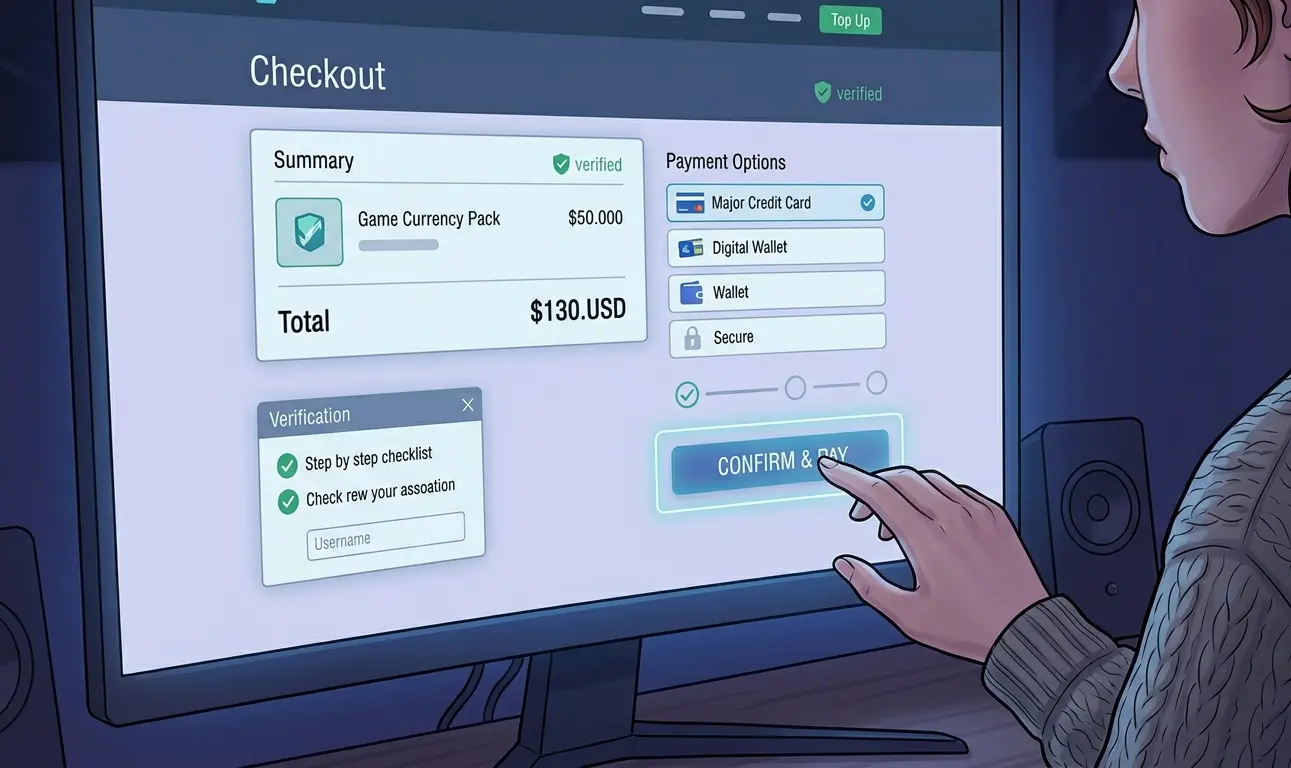 Before paying, you should know exactly how much you are sending, what currency you are paying in, who will receive the payment, and what type of transaction you are making.
Check:
- the final price;
- the payment currency;
- any stated fees;
- the recipient or payment destination;
- what payment method is being used;
- whether the payment method provides any dispute or purchase-protection options;
- what order confirmation you should receive; and
- whether the instructions match the seller’s published process.
Different payment methods can offer very different options if a transaction goes wrong. A card purchase, personal transfer, cryptocurrency transaction, payment app, and commercial payment transaction should not automatically be treated as equivalent.
If the recipient, payment method, or amount suddenly changes after you have already verified the order, stop and confirm the new instructions through the seller’s official channel before continuing.
For a closer look at this part of the process, read why secure payment matters when buying game currency online.
5. Know What Account Information the Order Actually Needs
The information required for a top-up should make sense for the delivery method.
A player-ID top-up may only need an identifier, server, region, or character information. An assisted top-up can work differently and may require temporary access to the game account so the service can complete the purchase on the correct account.
The important distinction is between information genuinely required for the order and unrelated credentials that create unnecessary risk.
Temporary access to a game account does not justify requests for unrelated credentials. Do not provide your banking password, payment-account password, email password, cryptocurrency wallet seed phrase, private key, or unrelated account-recovery information as part of a normal game top-up.
If temporary game login access is required, confirm all of the following before providing it:
- the requirement was explained as part of the actual order process;
- you are communicating through the verified seller;
- the request relates to the exact game account being topped up;
- you understand when the seller needs access and when the order will be complete; and
- sensitive information is being exchanged only through the intended private channel.
Never post login credentials, verification information, or account details in public Discord channels, public comments, reviews, or social media posts.
6. Verify the Communication Channel, Not Just the Website
A legitimate website does not protect you if you later send money or account information to an impersonator.
Scammers can copy usernames, profile pictures, logos, staff names, and promotional messages. This makes unsolicited direct messages especially risky when you cannot independently confirm who is behind the account.
If a seller uses Discord, Telegram, email, live chat, or another support platform, start from the company’s known website and follow the support link published there. Do not assume that a person who contacts you first represents the company.
A manual ordering process is not automatically unsafe either. Some assisted services use private tickets instead of an automated cart. The important questions are whether that process is publicly explained and whether you can independently verify that you entered the correct support channel.
For example, Heaven Guardian’s game top up service uses an assisted ordering process for supported games. If you choose this type of service, review the current instructions for the specific game and package before providing payment or account information.
7. Keep a Record Before You Pay
This is an easy step for first-time buyers to overlook.
Before completing the transaction, save enough information to reconstruct what you agreed to purchase. Depending on the ordering method, that can include:
- the product or package name;
- the quoted price and payment currency;
- the seller or support account you communicated with;
- the order number or private-ticket reference;
- the server, region, or player ID submitted;
- important delivery or refund terms shown before payment; and
- payment confirmation.
You do not need to save sensitive credentials. The goal is to preserve the transaction details so you can explain exactly what was ordered if the delivery is delayed, incorrect, or disputed.
8. Check the Account Immediately After Delivery
Your safety checks should not stop when the seller says the order is complete.
Log in through the game’s normal official method and confirm that the correct currency, pack, bundle, or benefit reached the intended account. Check that the amount or item matches what you ordered.
If temporary game login access was provided, consider these post-delivery steps where the game or platform supports them:
- change the game password after the transaction;
- review active sessions or connected devices;
- confirm that your recovery information is unchanged;
- check that additional authentication remains enabled;
- remove any temporary access you intentionally granted; and
- review the account for unexpected changes.
For more account-specific precautions, see our guide on how to protect your account when buying game currency.
9. Know What to Do If Something Goes Wrong
If the currency does not arrive, the wrong package is delivered, or the seller claims that your payment failed, avoid reacting by immediately sending more money.
Instead:
- Check the transaction through your own payment provider rather than relying only on a screenshot sent by the seller.
- Review the original order details and payment confirmation.
- Contact the seller through the verified support channel you previously confirmed.
- Ask for a clear explanation of the order status before making another payment.
- If the issue cannot be resolved, review whatever dispute or recovery options are available through the payment method you actually used.
- If you believe your game account may have been compromised, secure the account and contact the game’s official support as appropriate.
A delivery problem and a fraudulent transaction are not automatically the same thing. Start by establishing what happened using records from both the payment and order process.
10. First-Time Checklist Before Buying Game Currency
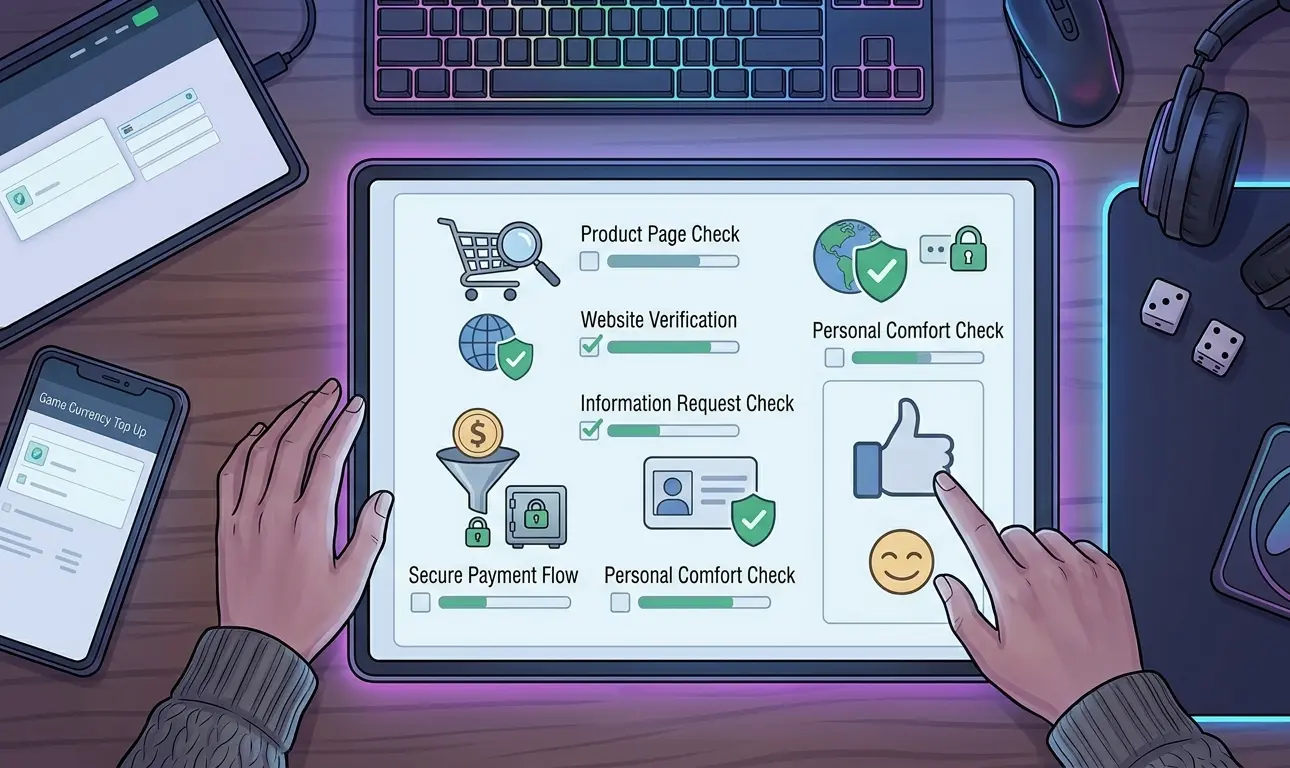 Before completing your first game currency purchase, work through this checklist from top to bottom.
1. Confirm the exact game and product
Check the game, currency, package, amount, server, region, and account requirements.
2. Identify the delivery method
Know whether the purchase uses a player ID, gift code, direct purchase, or assisted account access.
3. Review the game’s current rules
Confirm that the proposed purchasing and account-access method does not conflict with the rules that apply to your game or platform.
4. Verify the seller
Check the correct domain, product information, support channel, policies, ordering instructions, and independent reputation.
5. Confirm the complete price
Know the amount and payment currency before sending money. Investigate unexpected last-minute changes.
6. Understand the payment method
Know what type of payment you are making and what protection, dispute, or recovery options it provides.
7. Confirm what account information is required
The information requested should match the delivery method. Do not provide unrelated financial, recovery, email, or cryptocurrency credentials.
8. Verify the support channel
Reach Discord, Telegram, live chat, email, or another ordering channel through the seller’s known website instead of trusting an unsolicited message.
9. Save your order details
Keep the product, price, order reference, payment confirmation, and other non-sensitive transaction information until the purchase is resolved.
10. Verify delivery and secure the account
Check that the correct product arrived and review your account security after any transaction involving temporary access.
For your first purchase with an unfamiliar third-party provider, prioritize a transaction you can clearly understand and verify over the largest available discount. If the process changes unexpectedly, stop and confirm the new instructions before continuing.
FAQs
What is the safest way to buy game currency online?
An official in-game or publisher-operated purchasing channel is generally the most direct option when it offers the product you need. If you use a third-party service, first check the game’s rules, verify the seller and payment instructions, understand the delivery method, and provide only the account information genuinely needed for the order.
Are third-party game top-ups allowed?
There is no universal rule for every game. Developers and platforms can have different rules regarding external purchases, account access, currency transfers, vouchers, and regional transactions. Check the current rules for the specific game before using a third-party method.
Should a game top-up service ask for my password?
Many top-ups use only a player ID, server, or similar identifier and do not require login access. Some assisted top-up methods may require temporary access to the game account. If that is necessary, verify the service and provide access only through the official private ordering process. Do not provide unrelated email, financial, recovery, or cryptocurrency credentials.
Is a Discord-based game top-up safe?
Discord itself does not determine whether a transaction is safe. What matters is whether the business publicly identifies its real server or support channel, whether you enter it through the company’s verified website, and whether the person handling your order can be confirmed as part of the official process. Unsolicited direct messages should be treated cautiously.
Is the cheapest game currency website the best choice?
No. Price should be compared only after you have checked the product, seller, payment method, support process, account requirements, and applicable game rules. A lower price does not compensate for a transaction you cannot confidently verify.
What should I do after an assisted top-up is complete?
Confirm that the correct product reached your account. If temporary login access was used, review account security afterward, including your password, active sessions, recovery information, and additional authentication settings where the game or platform provides those options.
Conclusion
To buy game currency online safely for the first time, focus on the entire transaction rather than one trust signal or discount. Confirm the product and delivery method, check the game’s rules, verify the seller and payment instructions, limit the information you share, keep a transaction record, and review your account after delivery.
For more guides covering top-up safety, payment decisions, game-specific packs, and smarter spending, browse the Heaven Guardian game top-up guides.