
Sell Your Whiteout Survival Account Safely
Turn your WOS account into a clear seller submission with Heaven Guardian. We help sellers prepare account details, promote the offer, guide the transfer process, and receive payout after completion.
This page is for Whiteout Survival sellers. If you want to sell another game account, use the game-specific seller page so our team receives the right account details.
WOS Account Sale
Buyer payment is confirmed before final transfer.
All key steps stay inside Heaven Guardian channels.
Better screenshots help attract serious buyers.
Seller payout follows transfer and verification.
What makes a Whiteout Survival account valuable?
Whiteout Survival buyers usually compare account strength, server position, heroes, resources, transfer readiness, and long-term growth potential before making a decision.
Furnace Level
Furnace level and city progress help buyers understand the account stage.
Total Power
Power, troops, tech, and gear show how competitive the account is.
Heroes
SSR heroes, max heroes, hero gear, and shards can strongly affect account value.
Gems and Resources
Gems, speedups, resources, packs, and saved items make the account more attractive.
State and Server
State age, alliance position, event status, and migration options matter to buyers.
Transfer Readiness
Transfer passes, cooldowns, binding status, and account access affect sale speed.
Clear WOS screenshots help buyers understand the account faster.
A strong Whiteout Survival listing should show useful account details, not only one random screenshot. Include key screens that prove the account value and transfer readiness.
- Power, state, furnace, VIP, and hero overview
- Troops, gear, resources, gems, and transfer passes
- Binding status, login method, cooldowns, and account restrictions
- Any rare skins, special items, event progress, or alliance value
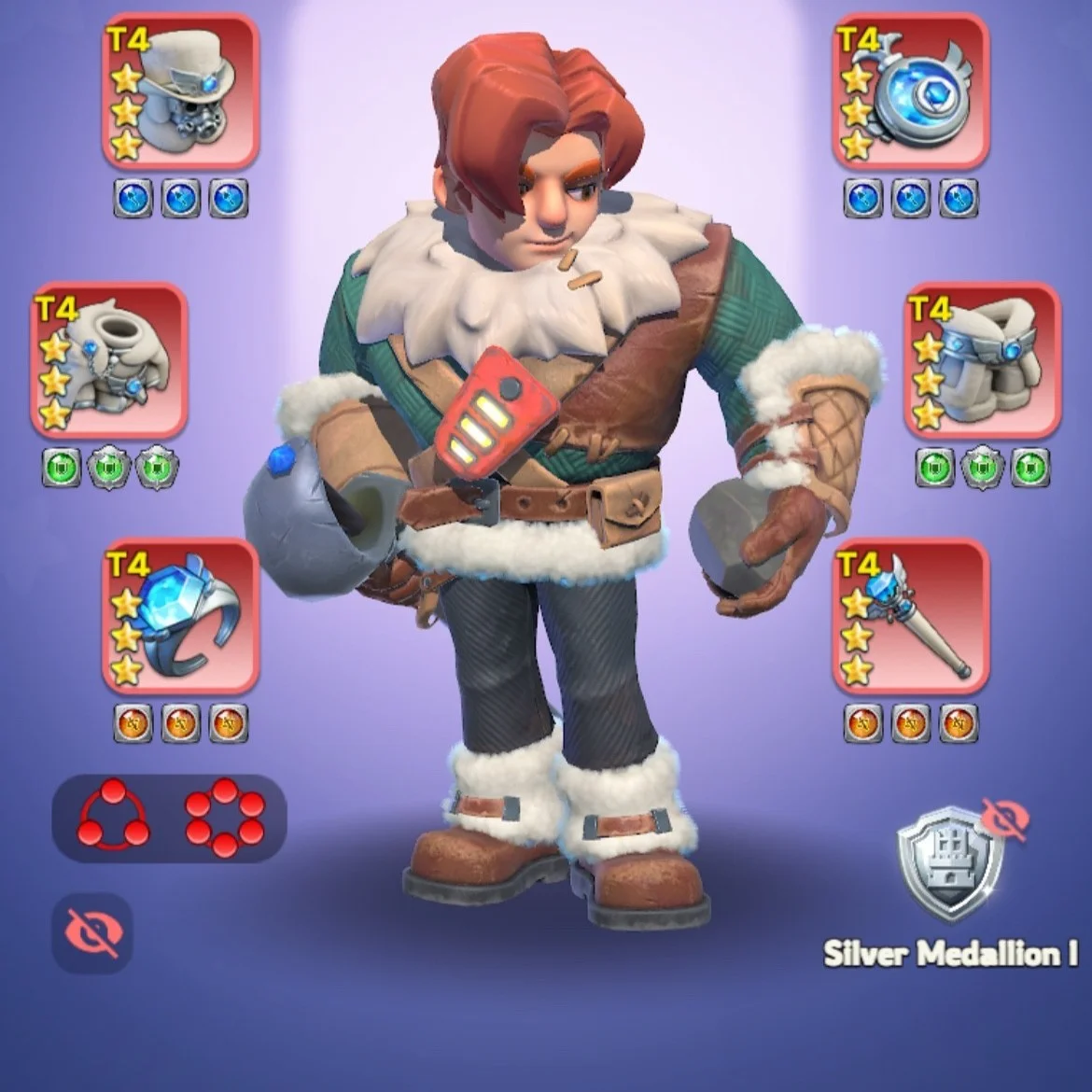
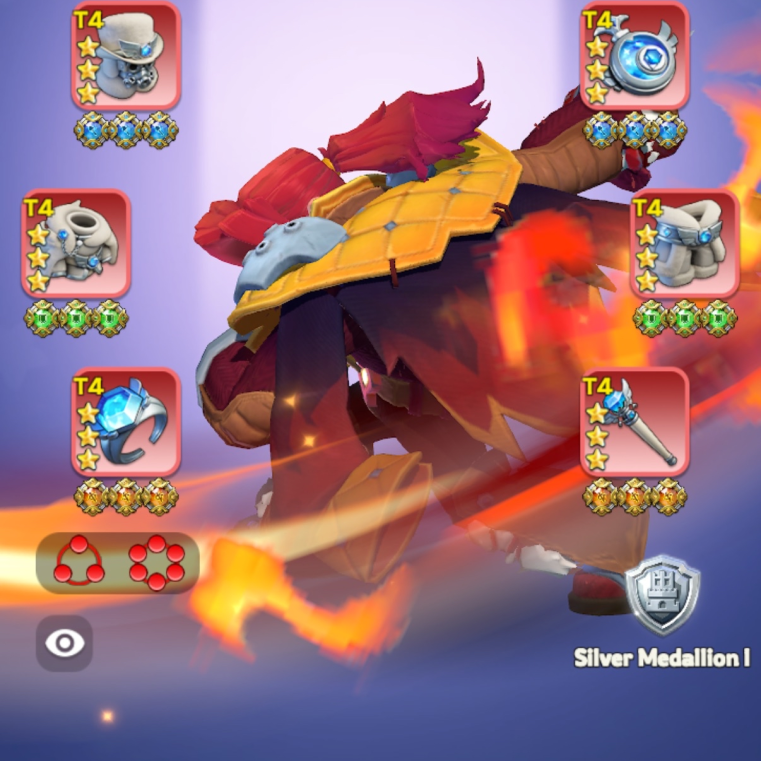
What WOS sellers should prepare before submitting.
Better information helps your account look more serious. It also reduces unnecessary questions during the selling process.
Be honest about binding limits, recovery risks, cooldowns, and any condition that may affect transfer.
WOS seller checklist
- Current account screenshots
- State number, server details, and transfer status
- Power, furnace level, VIP level, heroes, and troops
- Gems, resources, speedups, skins, and special items
- Transfer passes, cooldowns, and migration limits
- Binding, login, recovery, or platform restrictions
- Your expected asking rate
- Fast communication during buyer interest
How the Whiteout Survival selling process works
This is the main WOS seller flow. The process keeps buyer payment, account transfer, verification, and seller payout inside the official Heaven Guardian system.
Submit your account
Contact heaven_tan on Discord. He will request screenshots, relevant WOS account details, and your asking price.
Wait for a buyer
Heaven Guardian promotes your account across our different platforms and reaches out to you when a buyer is interested.
Deliver the account
Once a buyer confirms interest and pays, you transfer full account access to the Heaven Guardian team in charge. The team helps with transfer, relinking, and verification if needed.
Get your payment
After full ownership has been transferred and verified, you receive payment for your account via PayPal, minus the 10% seller fee.
Seller fee, payout, and hot offers
These points help WOS sellers understand how completed account transactions are handled.
Standard seller fee
The current standard seller service fee is 10%, unless a different agreement is confirmed before listing.
Seller payout
Seller payout is processed via PayPal after account transfer, buyer security confirmation, and required verification steps.
Hot offer visibility
Accounts offered far below usual market value may be considered for extra visibility as a hot offer.
Keep the transaction safe and clean.
The safest sale happens when the seller stays honest, responsive, and inside the official Heaven Guardian process from submission to payout.
Recent WOS service examples
Use these examples as a reference for the kind of account details that help buyers understand value quickly.
High-power WOS account
State 5xx | 693M | VIP 12 | Furnace 10 | T11 Troops Helios | Hero 26 SSR | Max 15 Hero | 169k gems | 19 Transfer Pass
Mid-stage WOS account
State 22xx | 132M | VIP 9 | Furnace 2 | T10 Troops | Hero 7 SSR | Max 1 Hero | 34k gems | 10 Transfer Pass
Public customer reviews
Buyers and sellers can check public Heaven Guardian customer feedback before starting a transaction.
Whiteout Survival seller FAQ
When do I transfer my WOS account?
You should only begin final transfer after Heaven Guardian confirms that buyer payment has been received and tells you the next official step.
What details should I send first?
Send screenshots and details such as state, power, furnace level, VIP, heroes, troops, gems, resources, transfer passes, binding status, and your expected asking rate.
What is the seller fee?
The current standard seller service fee is 10%, unless a different agreement is confirmed before listing.
When do I receive payout?
Seller payout is processed after the account transfer, buyer security confirmation, and required verification steps are completed.
Can I make a private deal with the buyer?
No. Private deals outside Heaven Guardian are not protected and should not be used for account sale transactions.
Submit your Whiteout Survival account with a clearer process.
Prepare your WOS screenshots, asking price, and account details, then contact heaven_tan through Discord to start your seller submission.