The important part is choosing the right calculator for the job. Some tools simply total items already in your inventory, while others estimate costs or event points using bonuses you enter manually. Understanding that difference prevents misleading results.
Best Rise of Kingdoms Calculators
There is no single ROK calculator that answers every progression question. A better approach is to use a specialized tool for the decision you are making.
Scroll sideways to view the full table.
| Calculator | What It Calculates | Best Use |
|---|---|---|
| Commander Sculptures | Sculptures required between current and target skill levels | Planning commander investments |
| Commander EXP | Experience required between commander levels | Planning Tome of Knowledge use |
| Resources | Total resources represented by resource items or packs | Checking stored resource reserves |
| Speedups | Total time contained in building, research, training, and universal speedups | Preparing for upgrades or events |
| VIP | VIP points still required for a target level | Planning long-term VIP progression |
| MGE Training | Training time, resources, power, and event points based on entered troop quantities and bonuses | Preparing for Mightiest Governor training |
| Healing | Estimated healing time and resource requirements using entered bonuses and troop quantities | Planning recovery during heavy fighting |
Commander Sculptures Calculator
A commander sculpture calculator is one of the most valuable planning tools because Legendary Sculptures are difficult to replace once spent. Enter your commander’s rarity, current skill levels, and intended target to see how many additional sculptures the upgrade requires.
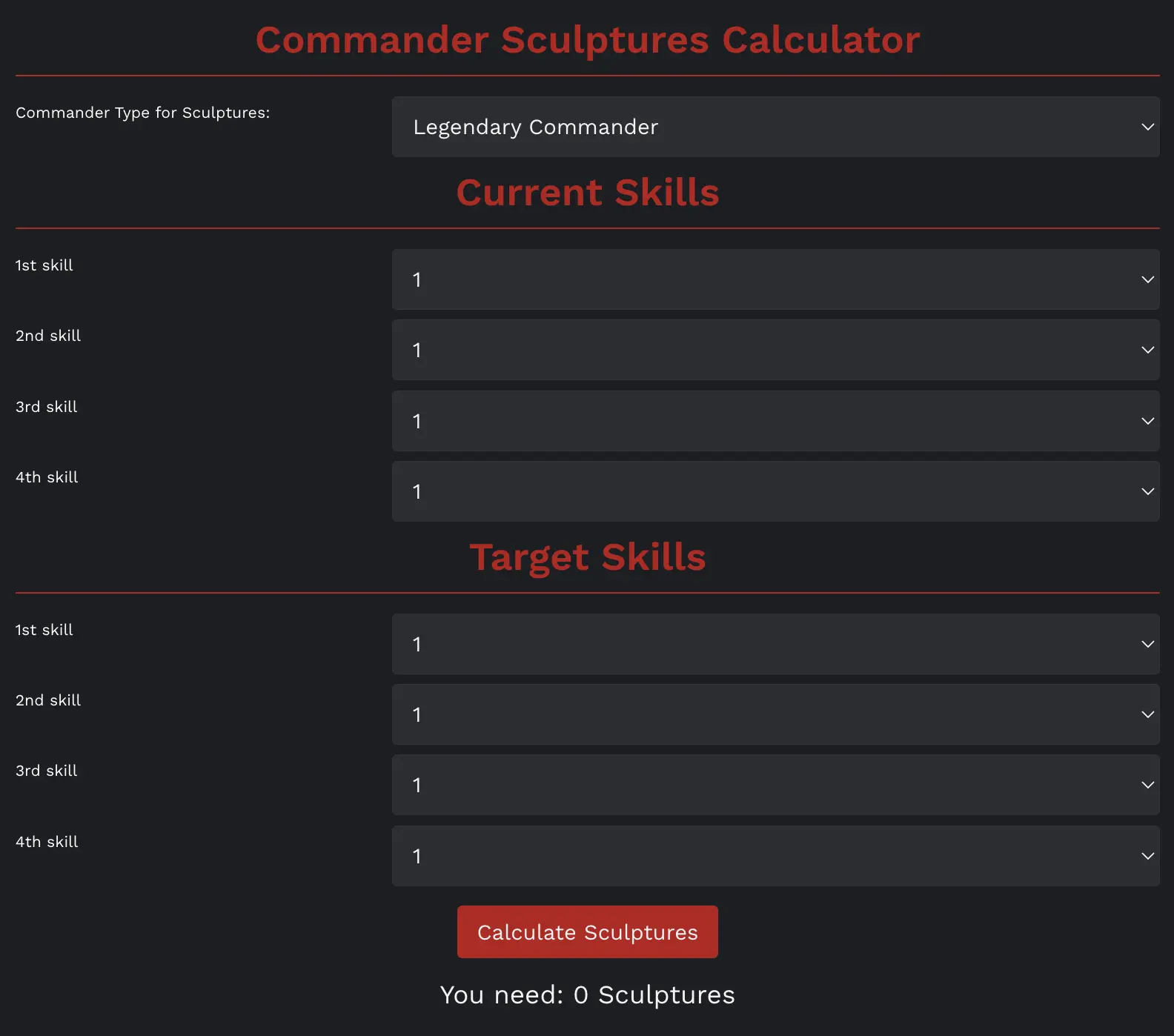
For context, a summoned Legendary commander needs 690 sculptures to complete all standard skill upgrades from the starting 1-1-1-1 state. The 10 commander-specific sculptures normally required to summon a locked commander are separate, so starting completely from locked changes the total.
That distinction matters when comparing a commander you already own with one you have not summoned. You can find a deeper breakdown of these costs in our Rise of Kingdoms commander sculptures guide.
When to Use It
- Before spending Universal Legendary Sculptures.
- When comparing two commanders competing for the same sculptures.
- When deciding whether a partial build such as 5-5-1-1 is affordable.
- Before committing to a commander expertise project.
Commander Experience and Level Calculator
A commander EXP calculator estimates the experience needed to move from the commander’s current level to a chosen target level. Commander rarity matters because different rarities do not share identical experience requirements.
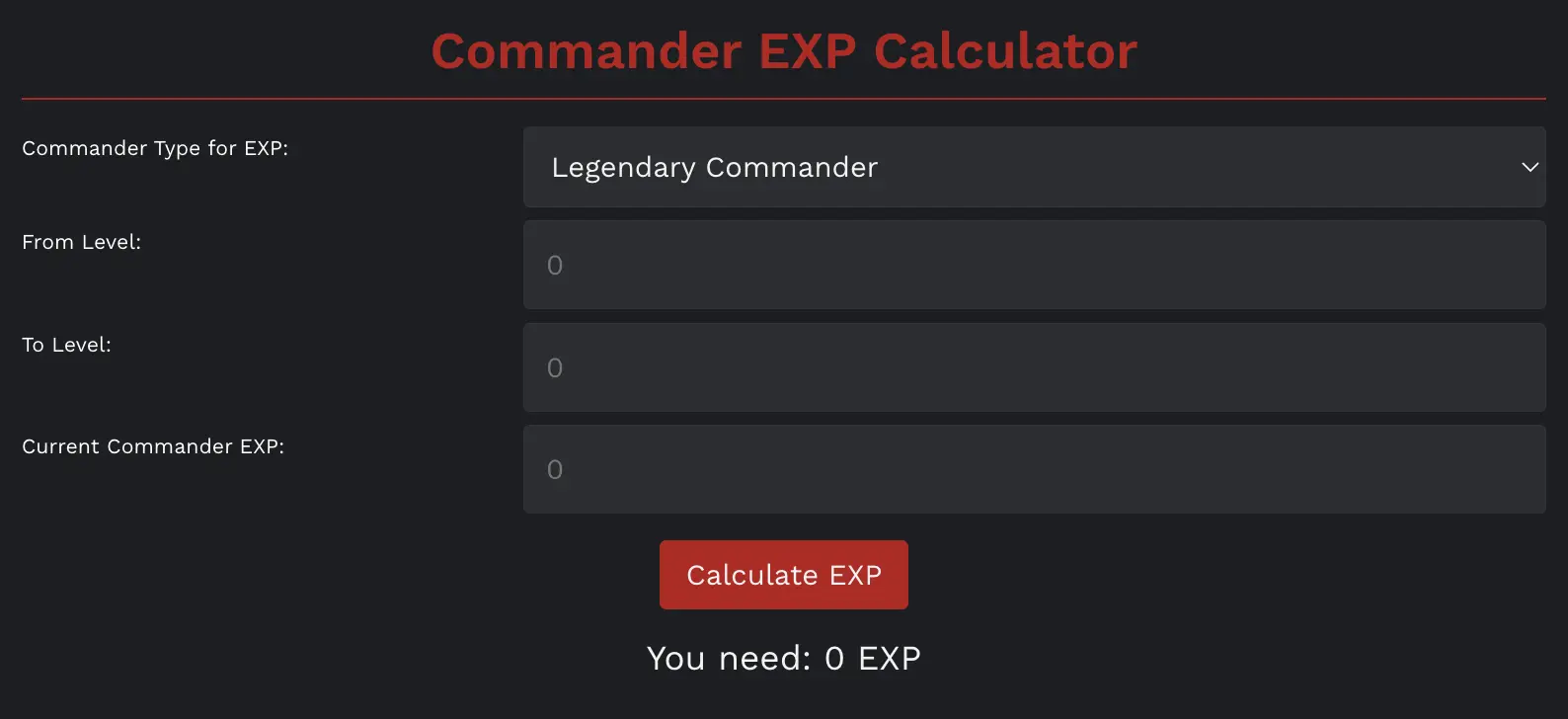
Commanders can reach level 60. A calculator is particularly useful when you have a limited supply of Tome of Knowledge items and want to know whether you can reach an important level before spending them.
Best Uses for an EXP Calculator
- Estimating how many experience points remain before level 60.
- Planning Tome of Knowledge use across several commanders.
- Comparing the cost of developing a new primary commander with finishing an existing one.
- Avoiding unnecessary EXP investment in commanders used only as secondaries.
Remember that secondary commanders do not use their talent trees in battle, so not every secondary needs to be rushed to level 60. Leveling priorities should follow the role you actually need that commander to perform.
Rise of Kingdoms Resources Calculator
A resource calculator can total the food, wood, stone, and gold represented by resource items in your inventory. This is useful because unopened resource items are easy to underestimate when you have accumulated many different pack sizes.
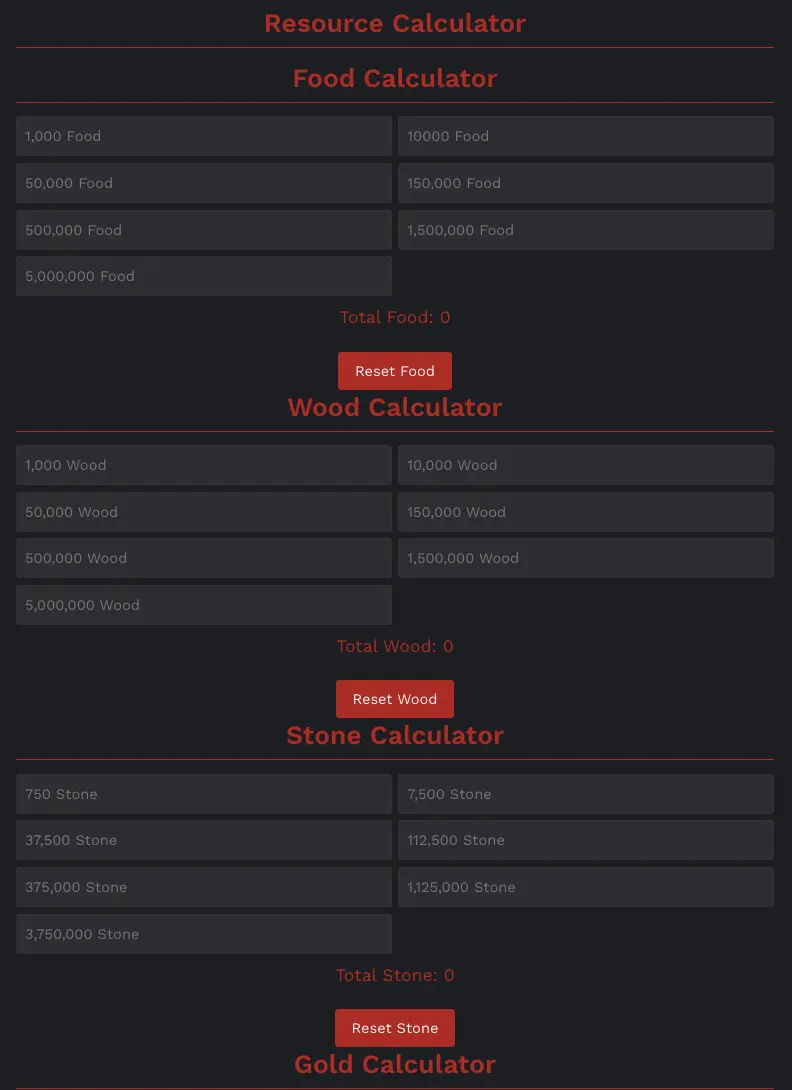
One correction to keep in mind: an inventory resource calculator is not automatically a building or research cost calculator. If the tool only asks how many resource packs you own, its purpose is to show your stored resources—not calculate the exact cost of a future technology or building level.
Why Keep Resource Items Unopened?
For routine planning, it is often easier to count unopened resource items before using them. Only open what you reasonably expect to spend so unnecessary resources are not left exposed in your city.
Speedup Calculator
A speedup calculator converts your inventory of different speedup denominations into a total amount of time. Current community tools may separate building, research, training, and universal speedups so you can see what is actually available for each activity.
This is especially helpful before a long technology upgrade, troop-training push, or building project because dozens of different speedup items are difficult to total manually.
Do Speedup Calculators Include Your Buffs?
Not necessarily. A calculator that only totals speedup items tells you how much time your inventory contains. It does not automatically calculate the base duration of an upgrade after your research speed, building speed, training speed, alliance technology, rune, kingdom buff, VIP bonus, or other active effects.
Check what inputs the tool accepts before treating the output as your final requirement.
VIP Level Calculator
A VIP calculator compares your current VIP level and point total with a target level, then calculates how many VIP points remain.
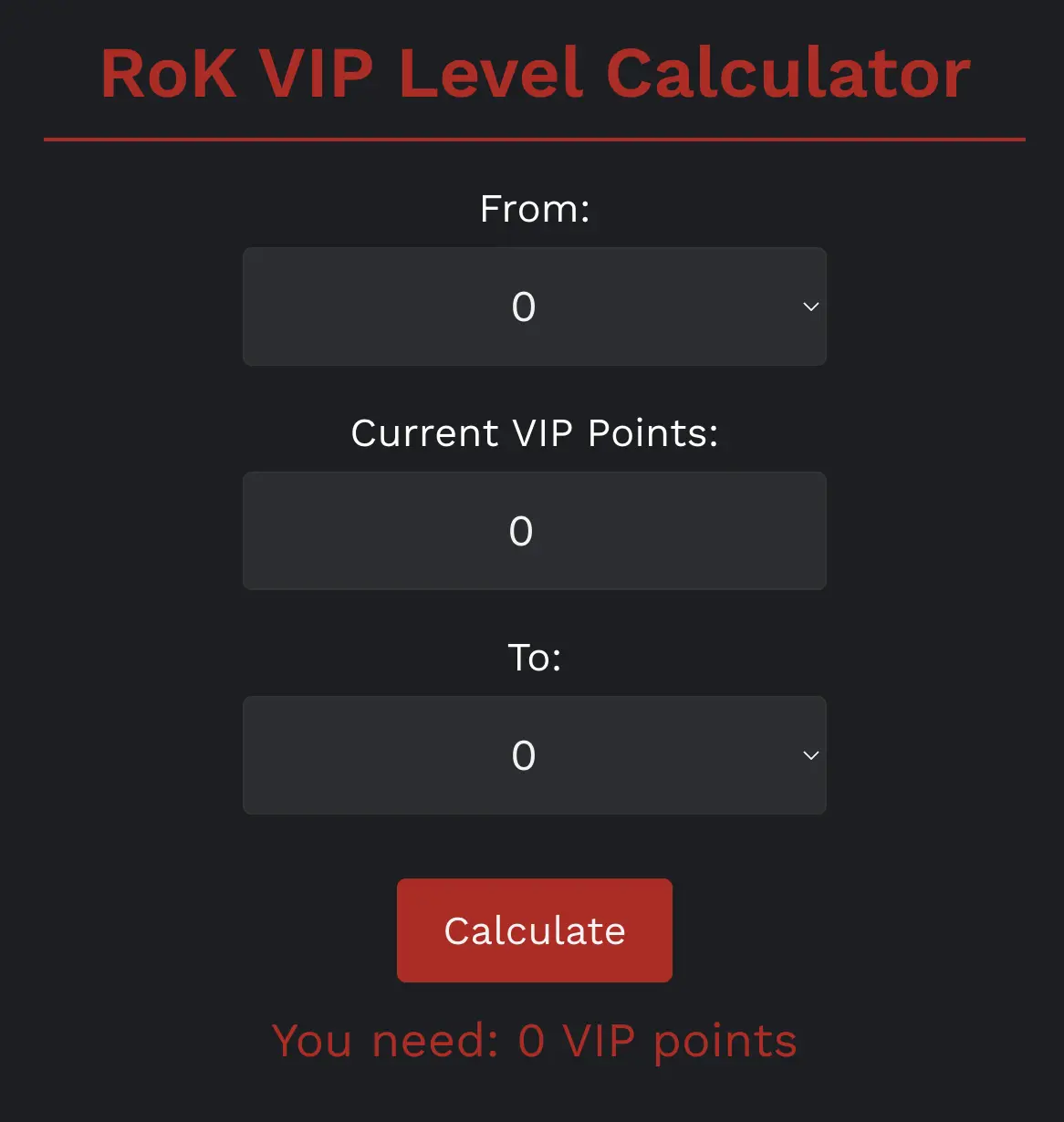
This is most useful for long-term account planning. Instead of spending gems or VIP items simply because you have them, you can first determine how far you are from the next milestone and decide whether reaching it fits your current priorities.
For F2P and low-spending players, this is particularly important because gems compete with other valuable uses. The calculator provides the remaining number; deciding whether to pursue that VIP level still depends on your account and event plans.
Mightiest Governor Event Calculator
A Mightiest Governor Event calculator is designed for players preparing a measurable push instead of training troops blindly.
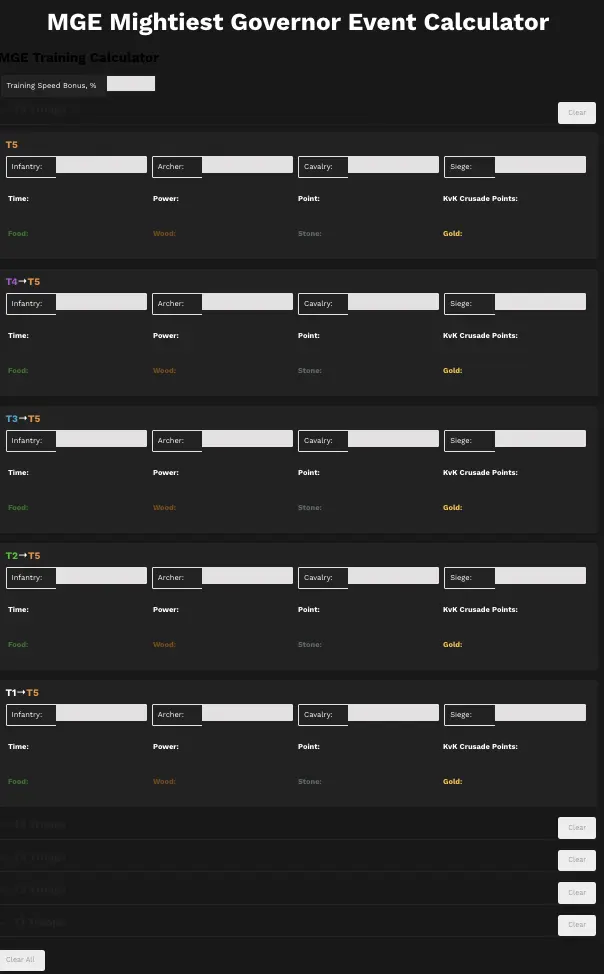
Current MGE training calculators can use your training-speed bonus and planned troop quantities to estimate factors such as training time, required resources, power gained, MGE points, and related event points.
Why MGE Calculators Need Extra Caution
Event scoring is more sensitive to current rules than simple inventory math. Always compare the calculator against the scoring shown inside your active event before committing large amounts of speedups or resources.
This is especially important when planning troop upgrades instead of training entirely new troops, or when a kingdom has specific rules about competing for MGE rankings.
Troop Healing Calculator
A healing calculator estimates how much time and how many resources are required to heal wounded troops. More detailed versions allow you to enter troop tier and type, healing-speed bonuses, healing-resource reductions, and alliance helps.
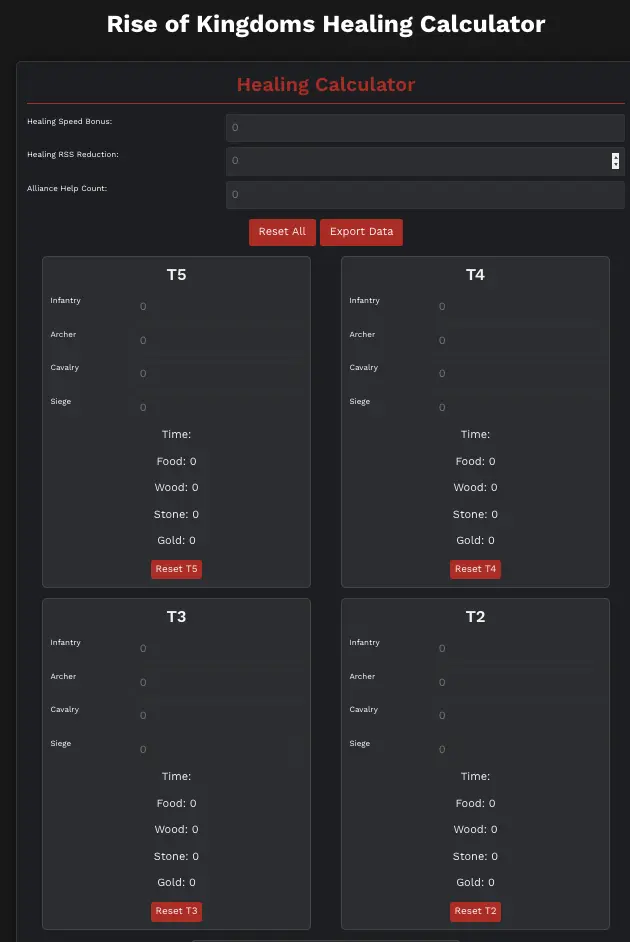
Healing calculators become much more useful during KvK and other heavy fighting, when repeated hospital cycles can consume a substantial amount of resources and speedups.
How to Get a Better Healing Estimate
- Enter the correct troop tier and quantity.
- Use your current healing-speed bonus rather than an old value.
- Include applicable healing-resource reductions if the calculator supports them.
- Account for alliance helps where the tool provides an input.
- Recalculate when major buffs or account bonuses change.
Is a Commander Tier List Maker Really a Calculator?
Not exactly. A tier list maker is a comparison and organization tool rather than a mathematical calculator. It lets you arrange commanders into custom tiers based on criteria such as open-field value, rallying, garrison use, troop type, or personal investment priority.
It can still be useful, but do not confuse a visual ranking with objective account math. Commander value depends heavily on pairings, equipment, season, troop type, investment level, and the content you are playing.
How to Use ROK Calculators Correctly
- Start with the decision. Decide whether you are calculating an inventory total, upgrade requirement, event score, or progression target.
- Enter current values. Old screenshots, outdated buffs, or estimated troop counts can produce misleading results.
- Check what the calculator includes. A speedup inventory tool and an upgrade-time calculator are not the same thing.
- Use several tools for large projects. A troop-training push may require a speedup calculation, resource calculation, and MGE calculation.
- Keep a reserve. Having exactly enough resources or speedups on paper leaves no margin for healing or other urgent costs.
- Verify event scoring in-game. Event rules can change, so the active event screen should be your final reference.
Best Calculator Combinations for Common Goals
Scroll sideways to view the full table.
| Your Goal | Calculators to Use |
|---|---|
| Expertise a commander | Commander Sculptures + Commander EXP |
| Prepare for MGE training | MGE + Speedups + Resources |
| Prepare for heavy KvK fighting | Healing + Resources + Speedups |
| Plan a VIP milestone | VIP + resource/gem planning outside the calculator where applicable |
| Assess a new account | Commander Sculptures + EXP + VIP + Resources |
Calculators are just as useful on developed accounts because there are more competing investments to manage. Players who prefer to skip part of the early progression process can also consider a Rise of Kingdoms account for sale as an optional route, then use the same planning tools to evaluate future commander, VIP, resource, and event investments.
Common Rise of Kingdoms Calculator Mistakes
- Treating an estimate as an in-game guarantee: Temporary buffs and event conditions can change the final result.
- Using outdated values: Community tools may not update immediately after game changes.
- Confusing inventory with cost: A resource calculator that totals your packs does not necessarily know the cost of your next research.
- Ignoring opportunity cost: Having enough sculptures to expertise a commander does not mean you should spend them.
- Spending every speedup: Keep emergency reserves instead of planning down to zero.
- Entering credentials into third-party tools: A normal calculator only needs the relevant numbers you want calculated, not access to your game account.
FAQs
What is the best Rise of Kingdoms calculator?
There is no single best calculator for every task. Commander sculpture calculators are especially valuable for expensive commander investments, while speedup, resource, MGE, VIP, and healing calculators solve different progression problems.
How many sculptures does a Legendary commander need for expertise?
A Legendary commander that has already been summoned needs 690 sculptures to complete all standard skill upgrades from 1-1-1-1. If the commander is still locked, the commander-specific sculptures needed to summon it are additional.
Can a speedup calculator tell me exactly when an upgrade will finish?
Only if the tool also accounts for the relevant task duration and bonuses. A basic speedup calculator simply totals the amount of time stored in your speedup items.
Are Rise of Kingdoms calculators official?
The community calculators discussed in this guide are fan-made planning tools rather than official Rise of Kingdoms tools. Check when a calculator was last updated and verify important event or upgrade information in-game before spending valuable items.
Why does my calculator result differ from the game?
The most common causes are incorrect inputs, temporary buffs, alliance technology, runes, VIP bonuses, kingdom effects, alliance helps, resource reductions, or game values that changed after the calculator was updated.
Should F2P players use ROK calculators?
Yes. Calculators are particularly useful for F2P players because sculptures, gems, speedups, and resources are limited. Planning before spending can help prevent an expensive investment from delaying a higher-priority goal.
Conclusion
Rise of Kingdoms calculators are most valuable when they answer a specific question before you spend anything. Use sculpture and EXP tools for commanders, resource and speedup calculators for inventory planning, and MGE or healing calculators when preparing for major troop activity. Always verify changing event rules and account-specific bonuses before acting on an estimate.
For more progression strategies, commander advice, and event guides, browse the Heaven Guardian Rise of Kingdoms guides.