 Phishing links can turn a routine game-currency purchase into an account-security problem. Fake promotions, payment alerts, login pages, and limited-time offers are often designed to look familiar enough that players click before checking where the link actually leads.
Learning how to spot phishing links when buying game currency online helps you identify suspicious URLs, unexpected login requests, fake reward pages, and misleading messages before sharing sensitive information.
This guide explains the warning signs to check, how to verify a top-up source, what legitimate temporary account access can look like, and what to do if you have already interacted with a suspicious page.
What Is a Phishing Link in Game Top Ups?
A phishing link directs you to a deceptive website or other malicious destination while pretending to represent a legitimate game, payment provider, community, or top-up service.
The purpose can vary. A fake page may try to collect:
- game-account usernames and passwords;
- email-account credentials;
- payment or banking information;
- one-time verification codes;
- recovery information;
- personal details; or
- permission to download or run malicious software.
Some phishing pages closely imitate familiar branding, login forms, promotion banners, or payment screens. A polished design therefore should not be treated as proof that a website or message is genuine.
Why Game Currency Phishing Scams Can Be Convincing
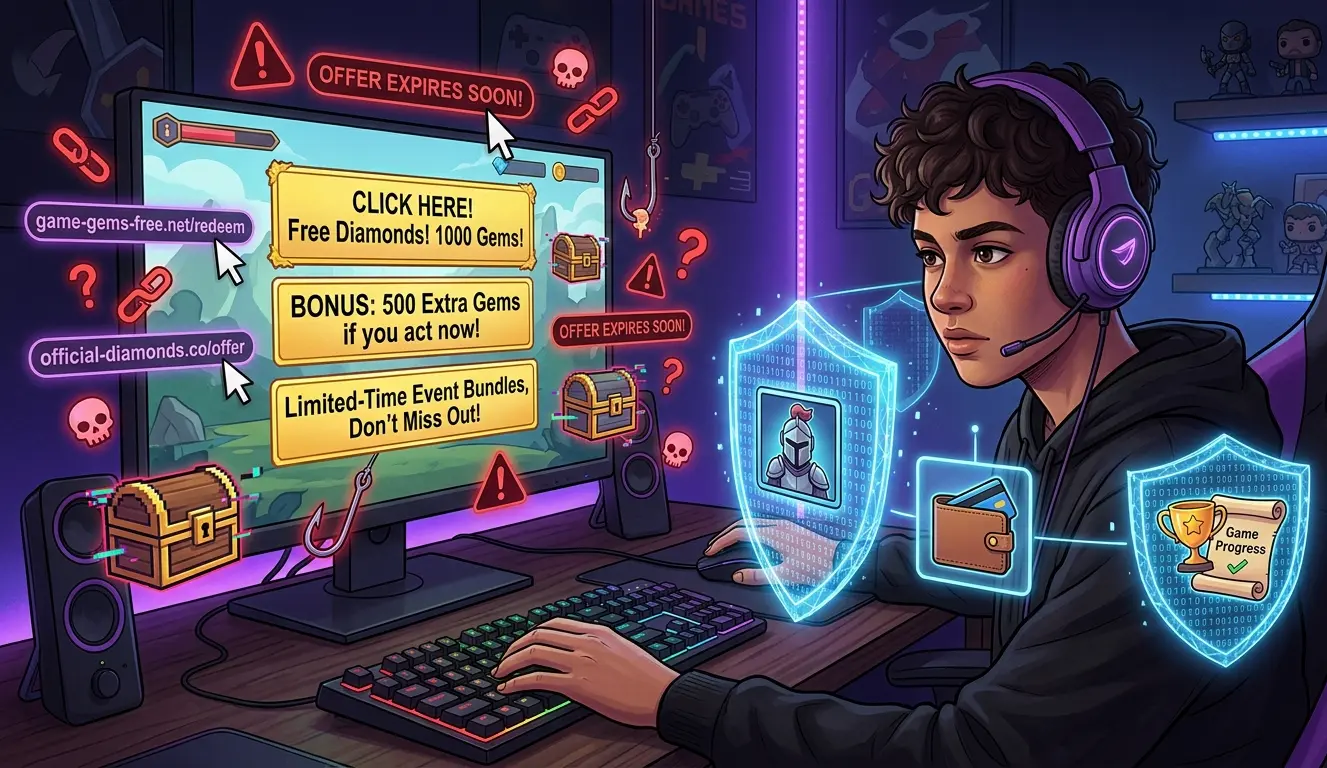
Games frequently contain events, bundles, login rewards, premium currencies, passes, and limited-time promotions. Phishing messages imitate those familiar situations and then add pressure to make the recipient act quickly.
A suspicious message might claim that:
- a free currency reward is waiting;
- a limited top-up bonus is about to expire;
- an account has a payment problem;
- a recent purchase failed;
- a login must be verified immediately;
- a player was selected for an exclusive bundle; or
- a special event reward must be claimed through a link.
Urgency does not automatically mean an offer is fraudulent. However, urgency combined with an unexpected link, unfamiliar sender, unusual domain, or request for sensitive information deserves additional scrutiny.
Common Game Top Up Phishing Tricks
1. Fake Reward and Free Currency Messages
Unexpected offers for free diamonds, gems, premium currency, skins, event rewards, or bundles are common phishing bait. The message is designed to make the reward feel more important than checking where the link goes.
Do not assume an offer is legitimate simply because it references a real game, current event, or recognizable currency name. Verify promotions through a source you independently know to be genuine.
2. Urgent Event and Top-Up Offers
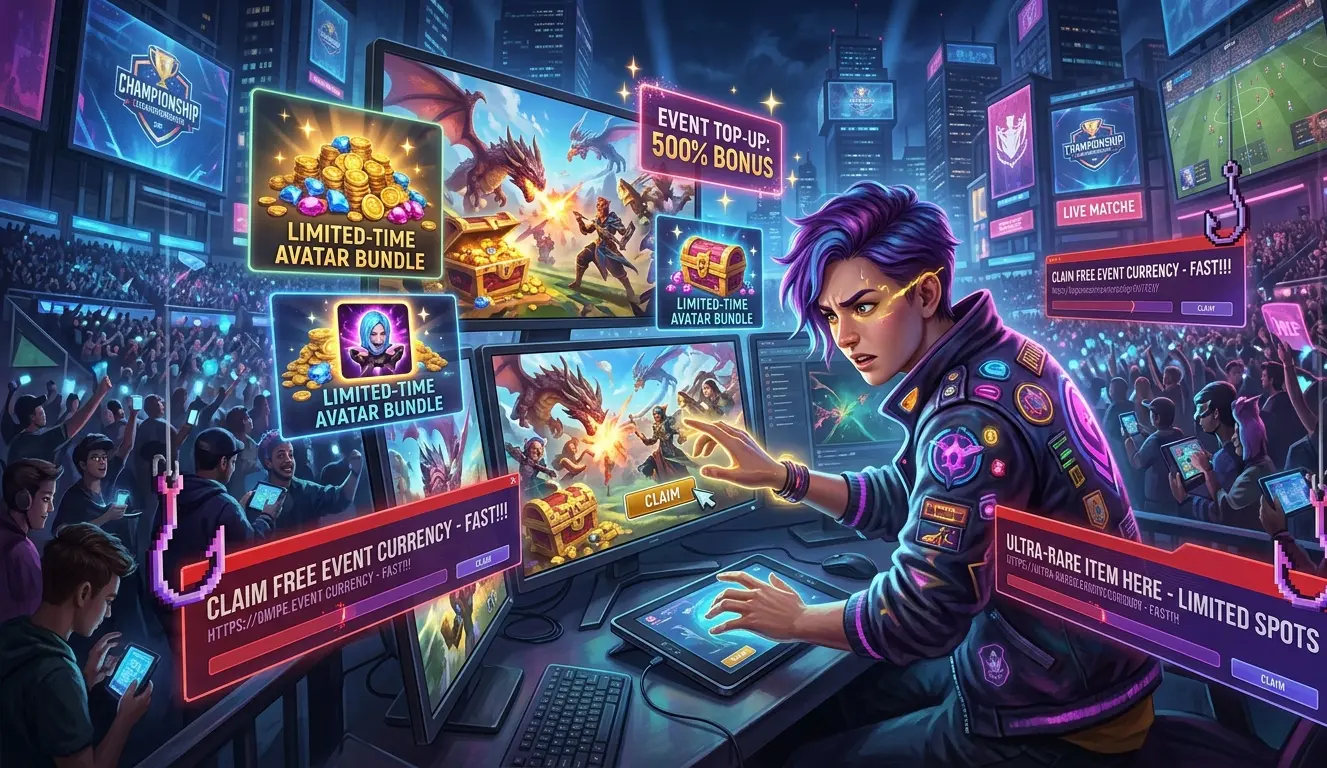 Scammers frequently add time pressure to discourage careful checking. Examples include messages such as:
- “Offer expires in 10 minutes.”
- “Claim your reward before it disappears.”
- “Top-up bonus available for a limited time.”
- “Verify your account today or lose the reward.”
Instead of using the supplied link, open the game, publisher website, or service website through a method you already trust and check whether the promotion actually exists.
3. Fake Payment or Account Warnings
Not every phishing attempt promises a reward. Some create anxiety by claiming your transaction failed, your account is restricted, your payment details need updating, or someone has attempted to sign in.
If the message might be legitimate, do not use its embedded link to investigate. Open the relevant game, payment provider, or service separately and check the account from there.
4. Lookalike Website Addresses
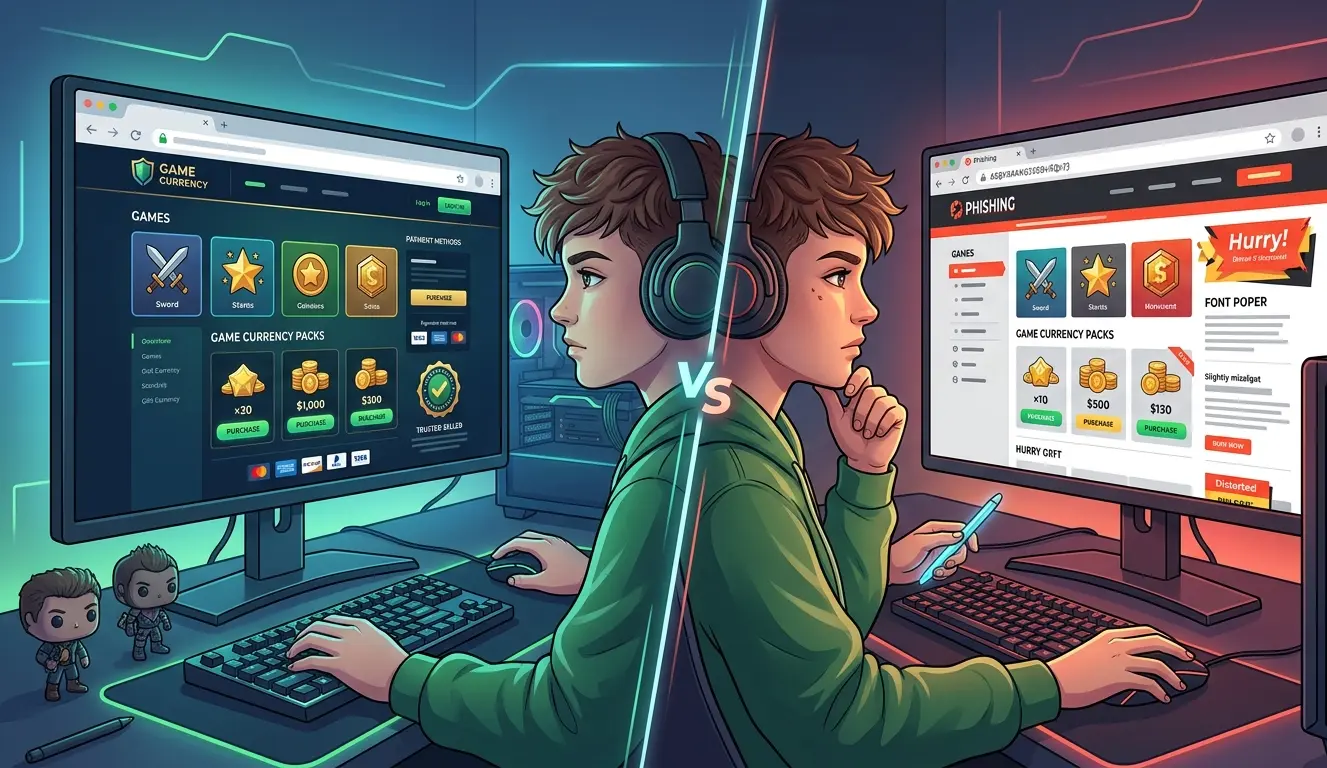 A fake website address may resemble a real domain while containing a small but important difference. Check for:
- misspelled brand names;
- extra or missing letters;
- unexpected hyphens;
- unfamiliar domain endings;
- brand names placed inside an unrelated subdomain;
- links whose visible text differs from their destination; or
- an unexpected redirect after opening a page.
Read the actual domain carefully instead of relying on the page title or the words displayed on a button.
5. Unexpected Downloads
A game-currency promotion should not persuade you to install a random program, browser extension, mobile package, script, or other unverified file simply to claim a reward.
If an unexpected page begins a download or asks you to run commands on your device, leave the page. Do not continue merely because the website calls the process “verification.”
How to Spot Phishing Links Before You Click
Check Where the Message Came From
Ask how you received the link. Be especially cautious when it arrives through an unsolicited direct message, unknown email, social-media reply, Discord DM, Telegram message, comment section, or account pretending to be support.
Even a message from someone you recognize deserves caution if its wording or request is unusual. Accounts can be compromised and then used to send malicious links to other people.
Inspect the Destination
On desktop, you can often hover over a hyperlink to preview its destination. On mobile, some apps allow you to press and hold a link to inspect it without immediately navigating.
Look at the complete address. If the domain is unfamiliar, misspelled, unrelated to the organization being represented, or simply not what you expected, do not continue.
Do Not Trust a Link Because the Message Looks Professional
Spelling mistakes and awkward wording can be warning signs, but good grammar does not make a message safe. Modern phishing messages can use professional writing, convincing branding, and realistic graphics.
Source verification and the actual URL are stronger checks than appearance alone.
Be Careful With Shortened or Obscured Destinations
If a link prevents you from understanding where you are going, avoid using it for sensitive actions such as signing in or making a payment. Navigate to the known website yourself instead.
Login Requests: When They Are Suspicious and When They May Be Legitimate
A login request is not automatically phishing. Games and legitimate services sometimes need users to authenticate. The important questions are why the login is being requested, where you are providing it, and whether you independently verified the channel.
If an unexpected reward message leads directly to a login page, do not enter your credentials. Likewise, do not send your game password to a stranger who contacts you privately and claims to represent a service.
For Heaven Guardian orders, the current live Top Up Guide states that temporary game-account login access may be required for some top ups. When it is required, the request should occur within the verified private ordering process rather than through a random message or public channel.
Do not post credentials in a public Discord channel, article comment, social-media post, review, or other public location.
You should also distinguish a requested game-account login from unrelated sensitive information. Do not provide email-account passwords, banking passwords, payment-account passwords, cryptocurrency seed phrases, private keys, or unrelated identity documents. Verification codes or recovery information should only be considered when a verified official process specifically requires them and you understand why they are needed.
How to Avoid Phishing When Buying Game Currency Online
Instead of following a promotion link from a message, open the service or publisher using an address or bookmark you already trust. This removes the suspicious message from the path to your account or purchase.
When checking Heaven Guardian, use the known website and its current game top up service information to verify the ordering process, supported games, account-access requirements, and current payment options before placing an order. Confirm the game, package, account, server or region when applicable, price, and payment method before sending payment.
Verify the Official Communication Channel
Heaven Guardian’s current ordering process begins through its official Discord ticket system. Reach Discord through the official Heaven Guardian website rather than accepting an unsolicited invite sent by a stranger.
Once inside, keep order details and any required temporary account information within the private ticket associated with the transaction.
Never Enter Credentials Through a Suspicious Promotion
If a message promises a reward and then asks you to sign in, verify the promotion independently first. Do not enter credentials simply because a copied logo or game artwork makes the page look familiar.
For more account-security practices, see How to Protect Your Account When You Buy Game Currency.
Use Multi-Factor Authentication Where Available
If your game, email account, Discord account, or payment service supports multi-factor authentication, enabling it provides an additional barrier when a password is exposed.
However, MFA does not make phishing impossible. Never approve an unexpected login prompt or hand an unsolicited verification code to someone simply because they claim to be support.
Slow Down Before High-Value Purchases or Major Events
Players may search more actively for bundles, discounts, currencies, or event packages during major in-game events. That makes it particularly important to verify the seller and destination before paying or signing in.
A genuine opportunity is not improved by skipping basic account-security checks.
What a Heaven Guardian Top-Up Order Should Look Like
Knowing the expected process can make an unexpected or impersonated request easier to recognize. According to the current Heaven Guardian Top Up Guide, the general process is:
- Open the known Heaven Guardian website and use its official Discord invitation.
- Open a private ticket in the designated buy-top-up channel.
- Tell the team which game and package you want.
- Confirm the relevant order details, account or server information when applicable, price, and current payment method.
- Complete the agreed payment.
- If temporary game-account access is required for the order, provide it only through the verified private ticket.
- Allow the order to be processed.
- Check the correct account to make sure the requested currency, package, bundle, or item appeared.
- Keep communication in the same ticket and contact support there if something is delayed or incorrect.
If someone contacts you outside this expected process and asks you to move to a different server, open an unfamiliar website, send payment somewhere unexpected, or publish account details, stop and verify the request through the original official channel.
Current Payment and Processing Information
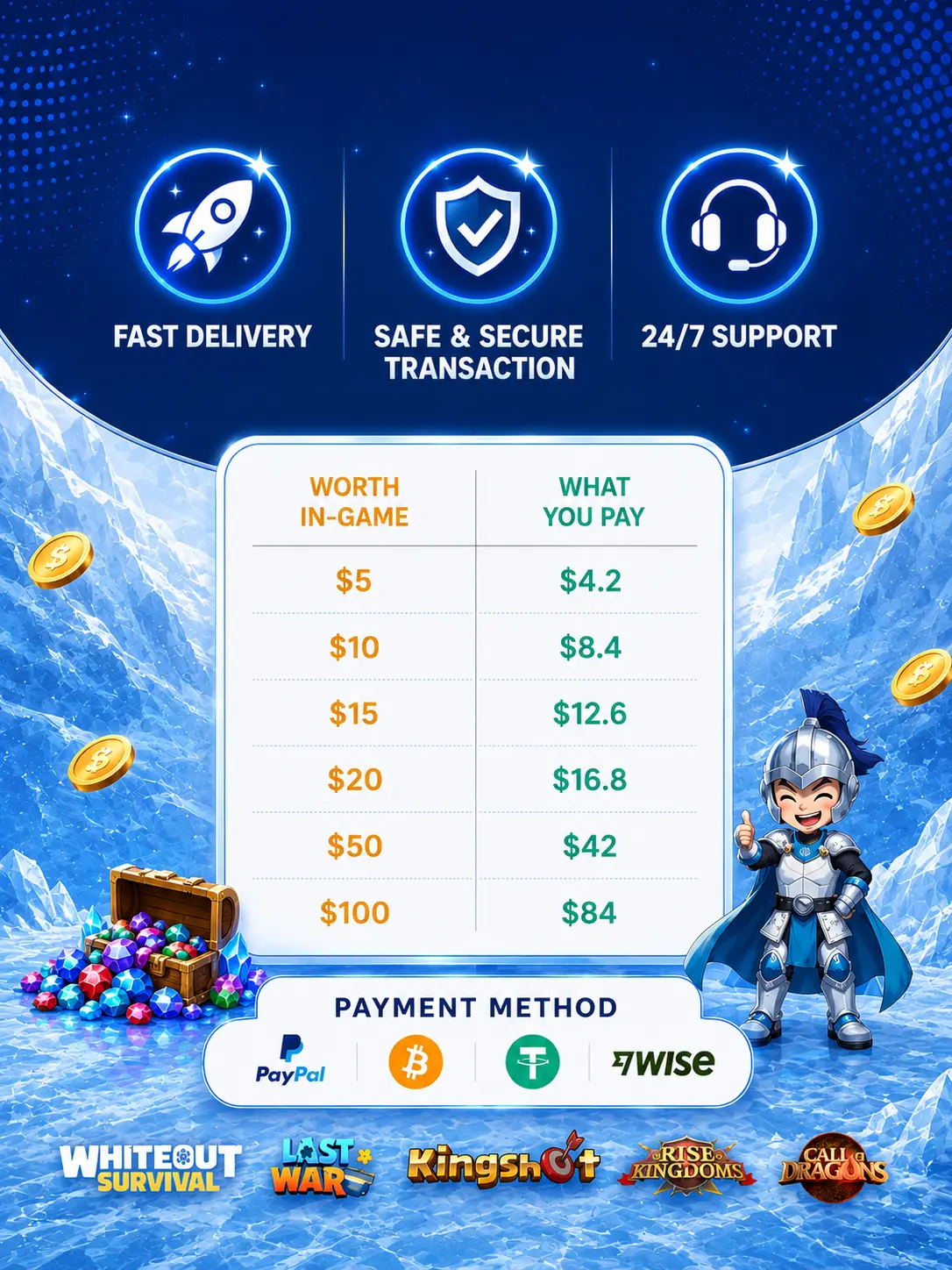
Heaven Guardian’s live FAQ currently lists cryptocurrency and PayPal Friends & Family as accepted payment methods. Payment options can change, so confirm the available method and final amount in your private ticket before sending funds.
The Heaven Guardian FAQ currently states that most game top ups are completed within approximately 5–30 minutes after payment confirmation. Treat this as an estimated range rather than guaranteed delivery time. Peak periods can take longer, and individual orders can also depend on successful payment confirmation, account access, game availability, or other transaction-specific conditions.
If an order is delayed or cannot be completed, keep communication inside the official ticket and ask Heaven Guardian support about the current status and applicable published refund policy.
Heaven Guardian operates as an independent gaming-account and top-up service and should not be interpreted as the game developer, publisher, platform owner, or official in-game store.
Why Phishing Links Are Dangerous for Gamers
A successful phishing attack can affect more than one game purchase. Depending on the information exposed, an attacker may gain access to the game account, connected email address, payment information, or other accounts where the same credentials were reused.
Possible consequences include:
- loss of access to a game account;
- unauthorized changes to account information;
- unauthorized purchases;
- compromised email or social accounts;
- malicious applications gaining account permissions;
- payment-card or banking exposure; and
- additional scam attempts using information already collected.
Safe purchasing therefore involves more than choosing a seller. You also need to verify the route you use to reach the seller and the channel through which you communicate.
It is also worth reviewing Common Top Up Scams and How to Avoid Them for other warning signs that can appear before or during a game-currency purchase.
What to Do If You Clicked a Phishing Link
If you opened a suspicious link but did not enter information, do not interact further with the page. Close it, avoid downloads, and do not approve unexpected permission or login prompts.
If you entered a game-account password on a suspected phishing page:
- go directly to the game’s legitimate account-management system;
- change the compromised password;
- change the password anywhere else you reused it;
- enable multi-factor authentication where available;
- review active sessions or connected applications if the service provides those controls; and
- contact the game publisher’s official support if you notice unauthorized changes.
If you exposed your email credentials, secure the email account as a priority because email access can sometimes be used to reset passwords for other services.
If you entered payment or banking information, contact the relevant payment provider or financial institution using its known official website, app, or support channel. Do not use contact details supplied by the suspicious page.
If the phishing page caused you to download or run a file, stop using the downloaded item and perform an appropriate security check on the device.
Quick Phishing Check Before a Game Top Up
Before opening a top-up link, signing in, or paying, ask yourself:
- Source: Did I reach this seller through a source I independently trust?
- Domain: Is the website address exactly what I expected?
- Context: Was I expecting this message, reward, payment notice, or login request?
- Pressure: Is someone trying to make me act before I can verify the details?
- Payment: Does the requested method match the service’s current published process?
- Account access: If login is required, am I providing it only through a verified private order channel?
- Order details: Have I confirmed the game, account, server or region when applicable, package, and price?
- Sensitive information: Am I being asked for information unrelated to completing the game top up?
If any answer raises doubt, verify the request independently before continuing.
FAQ
How do I spot phishing links when buying game currency online?
Check where the message came from, inspect the real website domain, avoid unexpected downloads, and independently navigate to the known game or seller website rather than trusting an unsolicited link. Be especially cautious when a message combines urgency with a request to sign in, pay, or provide sensitive information.
Are all game top-up login requests phishing?
No. A login request alone does not prove phishing. Some legitimate top-up processes may require temporary access. What matters is whether you independently verified the service, understand why access is necessary, and provide it only through the service’s legitimate private process.
Does Heaven Guardian require temporary login access?
The current Heaven Guardian FAQ and Top Up Guide state that temporary login access may be required for some top-up orders. If your order requires it, provide the requested game-account access only through the verified private ticket for that transaction. Heaven Guardian states that the account information is not stored.
Where should I provide temporary login information?
For a Heaven Guardian order that requires temporary access, keep the information inside the official private ordering ticket. Do not publish passwords in public Discord channels, social-media posts, comments, reviews, or other public areas.
What information should I never provide to a game top-up seller?
Do not provide unrelated sensitive information such as banking passwords, email-account passwords, cryptocurrency wallet seed phrases, private keys, or unrelated identity documents. Any request for additional authentication information should be verified carefully through the official order process.
Which payment methods does Heaven Guardian currently accept?
The live Game Top Up FAQ currently lists cryptocurrency and PayPal Friends & Family. Available payment options can change, so verify the current method in your official ticket before paying. PayPal Friends & Family should not be assumed to include standard Purchase Protection for commercial purchases.
How long does a Heaven Guardian game top up take?
The current FAQ says most orders are completed within approximately 5–30 minutes after payment confirmation. This is an estimate rather than a guaranteed delivery time, and peak periods or order-specific issues can cause additional processing time.
What should I do if I already entered my password on a phishing page?
Change the compromised password using the legitimate game or service website, change it anywhere else it was reused, enable multi-factor authentication where available, and review the account for unfamiliar activity. Secure any connected email or payment account as well if its information may have been exposed.
Conclusion
Knowing how to spot phishing links when buying game currency online comes down to verifying the path to your purchase. Do not let an unexpected DM, promotion, account warning, or countdown push you into opening a link before checking its real destination.
Before paying, verify the game, correct account, server or region when applicable, package, price, and payment method. If a top-up order legitimately requires temporary game-account access, provide it only through the service’s verified private ordering channel.
Phishing pages can imitate familiar branding, so appearance alone is not enough. Independent verification, careful URL checks, strong account security, and a clear understanding of the expected ordering process provide much stronger protection.
For additional ordering advice, payment information, and security tips for different games, explore our latest game top-up guides.