 Many mistakes when buying game currency online have nothing to do with falling for an obvious scam. Players can also lose time or money by ordering the wrong package, selecting an incompatible region, misunderstanding how delivery works, paying twice when an order is still processing, or failing to keep enough information to resolve a problem afterward.
The safest approach is to understand the entire transaction before paying: what you are buying, which account will receive it, how it will be delivered, what the seller needs from you, and how you will confirm that the order was completed correctly.
Mistake #1: Buying the Wrong Currency, Pack, Server, or Region
One of the easiest mistakes to make is also one of the least dramatic: purchasing the correct-looking product for the wrong account.
Games can separate purchases by platform, server, kingdom, state, region, character, account, or another identifier. Offers can also contain similar names while delivering different amounts or types of currency.
Before paying, check every detail that applies to the game:
- the exact game title;
- the currency, bundle, pass, pack, or item;
- the quantity or package contents;
- the player or character ID;
- the server, state, kingdom, or region;
- the platform, if the product is platform-specific; and
- the account that should receive the purchase.
Do not rely on recognising the artwork or package name. Read the product information and compare it with the account you actually intend to top up.
Mistake #2: Paying Before You Understand the Delivery Method
Not every game top-up works the same way.
Depending on the game and seller, delivery might use a player ID, account identifier, redeemable code, direct purchase, or an assisted process that requires temporary access to the game account.
This should be clear before money changes hands.
Ask yourself:
- Where will the purchased currency or item appear?
- What information does the seller need from me?
- Will I receive a code, direct credit, or an assisted top-up?
- Does the seller need my player ID, server information, or temporary game access?
- How will I know when delivery is complete?
If you cannot explain how the product gets from the seller to your account, clarify that step before paying.
Mistake #3: Looking at the Discount Instead of the Complete Order
A low advertised price can attract attention, but the number on the promotion is not the only part of the transaction that matters.
Before choosing between offers, compare what you actually receive and what you actually pay.
Check:
- the exact package or currency amount;
- the final payment amount;
- the currency used for payment;
- any clearly disclosed charges or conditions;
- whether the offer applies to your account or region; and
- the seller’s stated delivery requirements.
A more expensive offer is not automatically safer, and a cheaper one is not automatically fraudulent. The mistake is letting the size of the discount prevent you from checking everything else.
Mistake #4: Ignoring the Game’s Rules and the Seller’s Terms
Players sometimes research the product but forget to check whether the proposed purchase method is appropriate for the game or platform they use.
Rules can differ between games. Before using a third-party service, review current developer or platform information that may apply to external purchases, account access, regional transactions, gift codes, transfers, or other relevant activity.
You should also understand the seller’s applicable terms before paying, particularly information about:
- what happens if an order cannot be completed;
- what information the buyer must provide;
- how order problems are reported;
- whether a product has region or account restrictions; and
- what refund or cancellation conditions apply.
Do not wait until an order fails to discover rules that were available before the transaction.
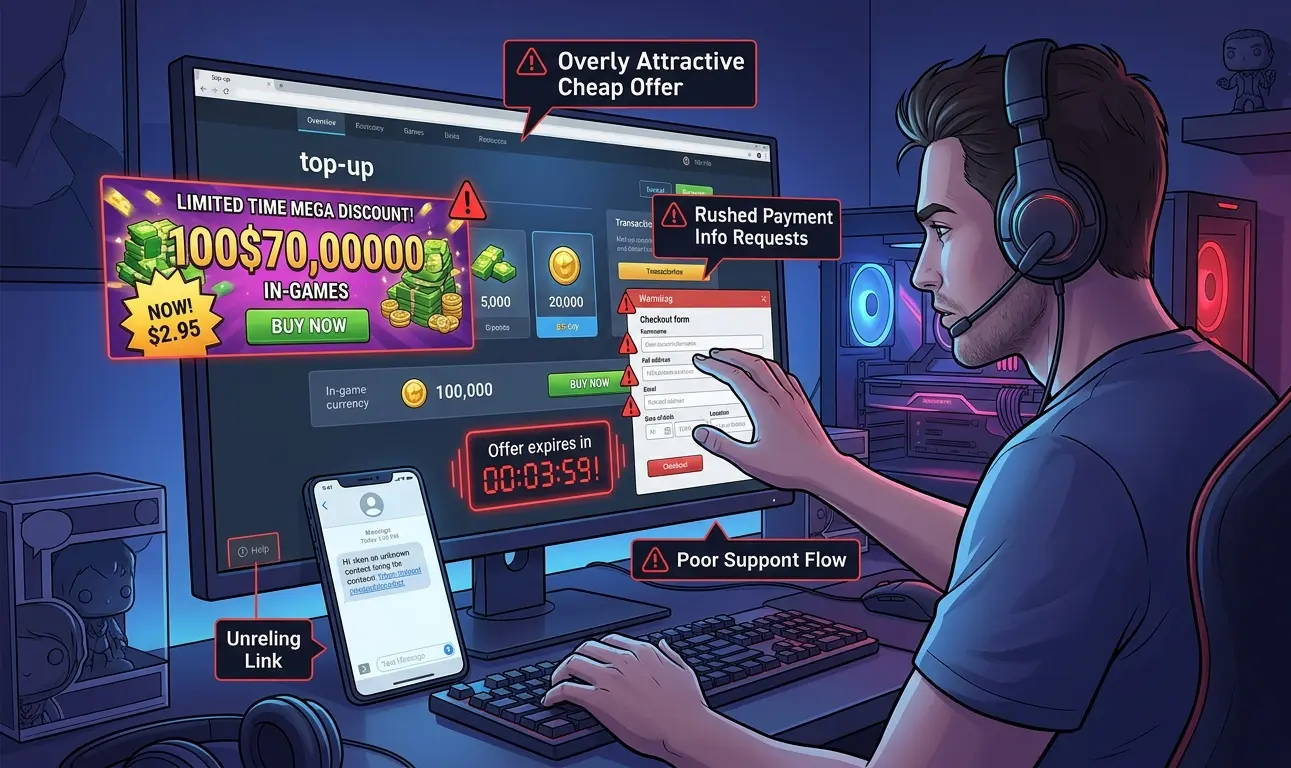
Mistake #5: Following an Unverified Link to Start the Purchase
A buyer can choose a real company and still end up interacting with the wrong website or person.
Fake advertisements, copied social accounts, direct messages, lookalike domains, and impersonated support accounts can all redirect players away from the service they intended to use.
Instead of trusting the first link you receive:
- check the destination domain;
- open the seller’s known website independently when possible;
- reach Discord or another support channel through the company’s own website;
- be careful with shortened or unfamiliar links; and
- do not assume a logo or username proves who is behind an account.
If this is an area you are unsure about, read our guide on how to spot phishing links when buying game currency online.
Mistake #6: Paying Again Before Confirming What Happened to the First Payment
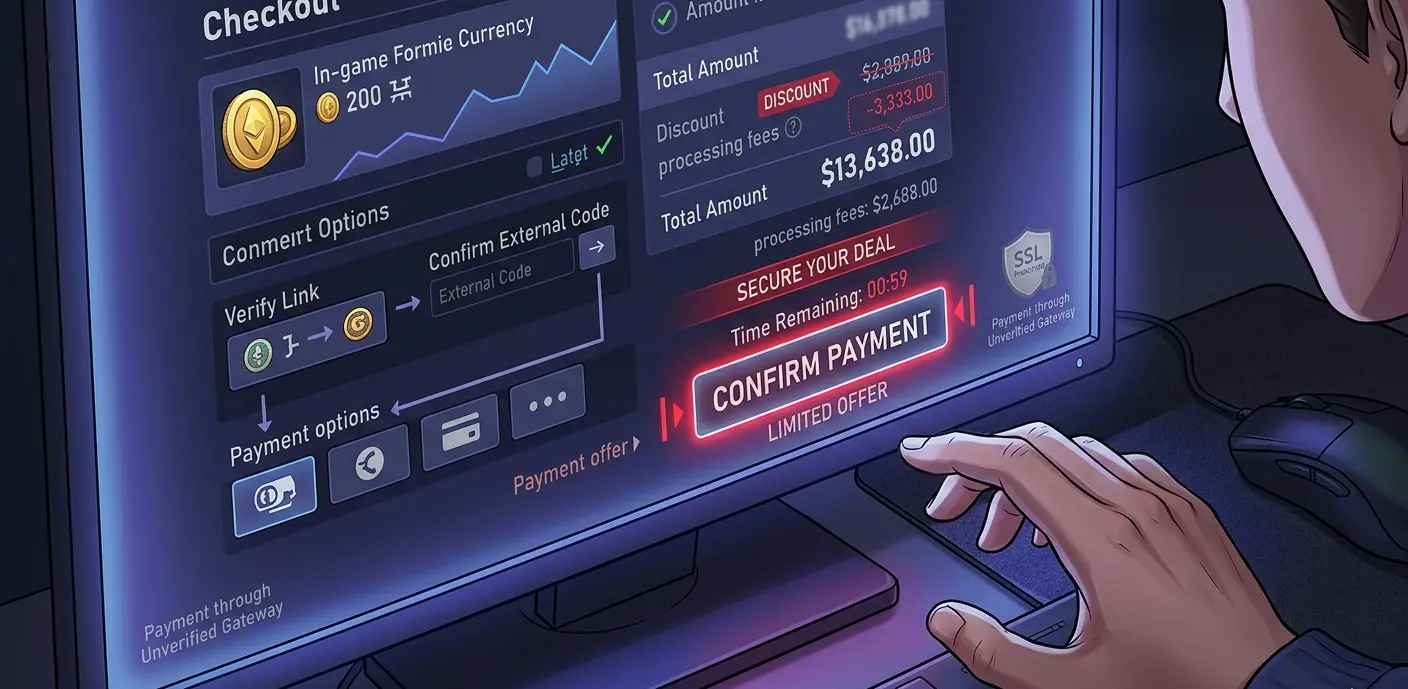 A delayed confirmation can make buyers nervous. That becomes dangerous when someone assumes the first payment failed and immediately sends a second one.
If a seller says your payment did not arrive, verify the transaction independently before paying again.
Check your own payment provider, wallet, bank, or payment history as appropriate. Compare the transaction amount and destination with your original order. Then contact the seller through the verified support channel.
The same rule applies if someone suddenly gives you a different payment destination or asks you to switch methods after you have already started the transaction. Verify the change before proceeding.
Mistake #7: Sharing More Account Information Than the Order Requires
Account requirements should match the delivery method.
A player-ID top-up may need only an identifier and server information. Other assisted top-ups may require temporary game-account access. That does not mean every credential connected to you is relevant to the transaction.
Do not provide unrelated information such as:
- your banking password;
- your email-account password when it is unrelated to the game login;
- your payment-account password;
- a cryptocurrency wallet seed phrase;
- a cryptocurrency private key; or
- unrelated recovery information.
If a legitimate game-login process requires a verification step, confirm that the request relates to the active order and that you are communicating through the seller’s verified private channel.
Heaven Guardian’s game top up service explains its current ordering process and whether account access may be required. Because requirements can vary by game and service, check the current instructions for the product you are ordering rather than assuming every top-up uses the same method.
Mistake #8: Assuming Every Delay Means Something Has Gone Wrong
Players often expect digital goods to appear immediately. In practice, delivery time can depend on the product, seller, payment confirmation, ordering method, account information, and other transaction-specific factors.
The mistake is not being concerned about an unexplained delay. The mistake is reacting to the delay without first checking the agreed process.
Before buying, find out how the seller communicates order status. If delivery takes longer than expected:
- check whether your payment is actually complete;
- confirm that you supplied the correct player or account information;
- review the order reference or ticket;
- contact the verified support channel; and
- avoid opening duplicate orders until you understand the status of the original one.
This reduces the chance of creating a second payment or second order while the first transaction is still being processed.
Mistake #9: Failing to Save the Order Details
Transaction records are most useful when something does not go exactly as expected.
Before closing the payment page or support conversation, keep the non-sensitive information needed to identify the purchase later.
This can include:
- the order or ticket number;
- the game and package purchased;
- the player ID, server, or region you submitted;
- the amount paid;
- the payment confirmation or transaction reference;
- the seller account or support channel used; and
- relevant messages about delivery or changes to the order.
Do not include passwords, private keys, seed phrases, or other credentials in screenshots or notes that do not need them.
Mistake #10: Treating the Transaction as Finished Before You Verify Delivery
A seller marking an order as complete is not the same as you checking that the correct product reached the correct account.
After delivery, verify:
- the intended game account received the purchase;
- the correct currency, pack, pass, or bundle arrived;
- the delivered amount matches what you ordered; and
- there are no unexpected changes to the account.
If temporary game access was used, review the account afterward. Where the game or platform provides the relevant controls, consider changing temporary credentials, checking active sessions, confirming recovery information, and making sure your normal security settings remain enabled.
If something does not match the order, contact verified support while you still have the transaction information available.
A Better Pre-Purchase Routine
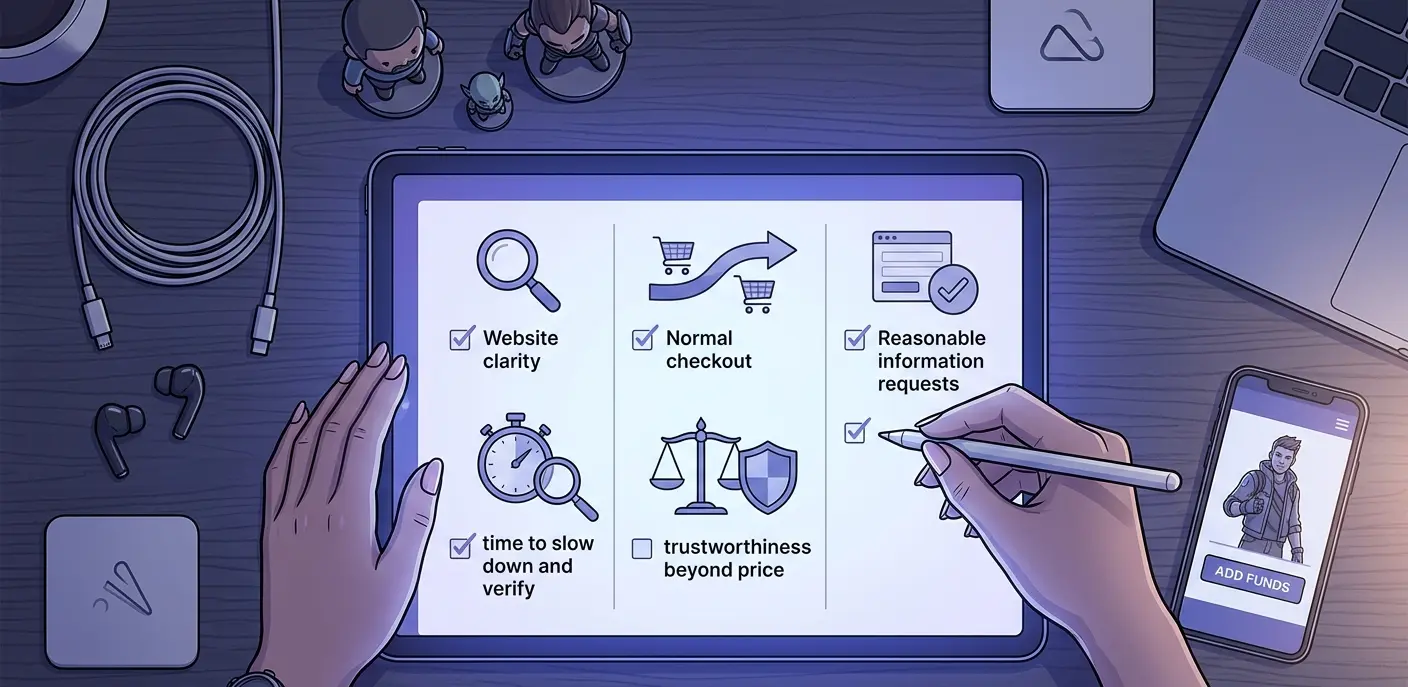 A good buying routine does not need to be complicated. Work through these questions before you complete the transaction.
Do I have the correct product?
Confirm the game, package, currency, quantity, region, server, platform, and receiving account where applicable.
Do I understand how delivery works?
Know whether the transaction uses a player ID, code, direct credit, or assisted account access.
Have I checked the applicable rules?
Review relevant game or platform restrictions and understand the seller’s current transaction terms.
Do the payment details match the order?
Verify the amount, currency, recipient, and payment instructions before sending money.
Am I using the real support channel?
Reach support through a website or channel you have independently verified rather than an unsolicited message.
Have I saved enough information to identify the order?
Keep the order reference and payment confirmation until delivery has been checked.
Do I know what I will check after delivery?
Confirm the correct item arrived and review account security if temporary access was involved.
What to Do If You Already Made a Mistake
Making one of these mistakes does not automatically mean you have been scammed. Start by identifying exactly what happened.
If you ordered the wrong product or account
Do not place another order immediately. Contact the verified seller, provide the order reference, and ask what options are available under its current policy.
If you may have paid twice
Check both transactions through your own payment provider and keep the transaction references. Contact the seller through its official support channel with the order details.
If you sent information to the wrong person or website
Secure any affected accounts promptly. Change credentials through the legitimate service, review active sessions where available, and contact the appropriate game, email, or payment provider if their accounts may also be affected.
If the order has not arrived
Confirm your payment status and the information submitted with the order. Then use the seller’s official support process instead of responding to unrelated accounts offering to “fix” the transaction.
If the delivered product is incorrect
Record what was received and compare it with the original order. Contact verified support before making further purchases or changes that could make the issue harder to document.
FAQs
What is the most common mistake when buying game currency online?
Focusing on price before confirming the exact product and transaction details is one of the most avoidable mistakes. Check what you are buying, where it will be delivered, the account or region involved, the payment instructions, and the seller’s requirements before paying.
What details should I check before buying a game top-up?
Check the game, currency or package, quantity, player or character ID, server, region, platform, delivery method, total payment amount, and any account information required for the order.
What should I do if a seller says my payment failed?
Check the transaction through your own payment provider before sending money again. If your records show a payment, contact the seller through its verified support channel and provide the relevant transaction reference.
Is it normal for a game top-up to require login access?
Some assisted top-up methods may require temporary game-account access, while others need only a player ID or similar identifier. Confirm why access is required and provide it only through the verified private process for that service. Unrelated financial, email, recovery, or cryptocurrency credentials should not be required simply to complete a game top-up.
How can I avoid buying game currency for the wrong server or region?
Check your game account before ordering and copy the relevant server, region, kingdom, state, character, or player information carefully. Compare it with the product requirements before payment rather than relying on memory.
Should I place another order if my first top-up is delayed?
Not until you understand what happened to the first order. Check the payment status and contact verified support first. Placing another order too quickly can create duplicate transactions or make the original issue harder to resolve.
Conclusion
Most mistakes when buying game currency online are preventable when you check the transaction from beginning to end. Confirm the exact product and receiving account, understand the delivery method, verify payment details, limit the information you share, keep your order records, and check the result after delivery.
For more advice on top-ups, payment safety, scams, packs, and smarter in-game spending, explore the latest Heaven Guardian game top-up guides.